Command Line Interface for KayJam language executor
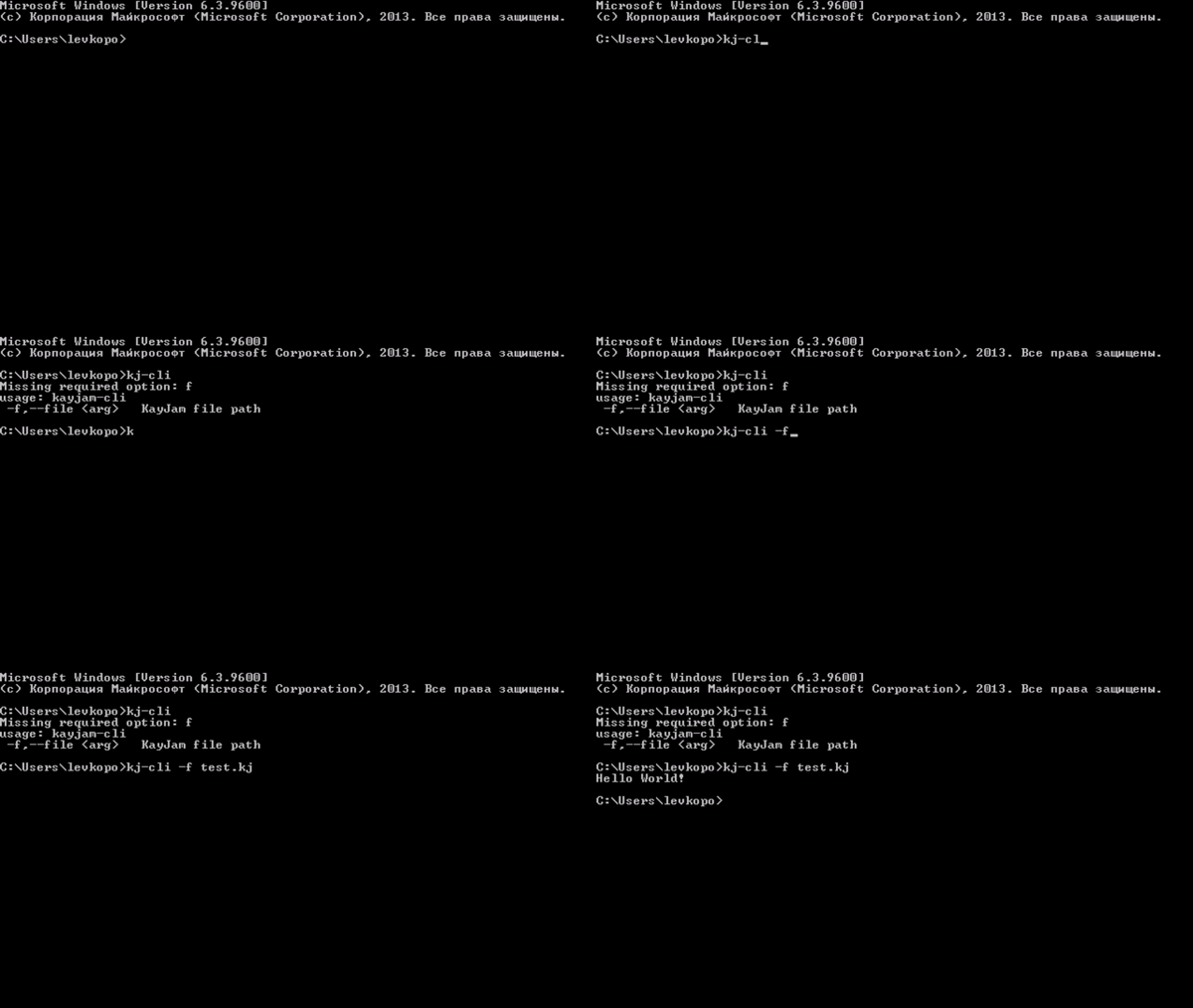
So far, installation is possible only on Windows.
- Download windows.exe from latest release in GitHub Releases
- Run windows.exe
- Done
Open cmd (Win+R, type "cmd") and open the folder with the file. Type "kj-cli -f "
- Open the folder where KayJam is installed (Usually installed in C:\Program Files (x86)\kj-cli)
- Open the "libs" folder
- Copy the jar file of the downloaded library
- Done