/badge.svg)


This is the Django front-end to Mathics3.
- Extensive online documentation
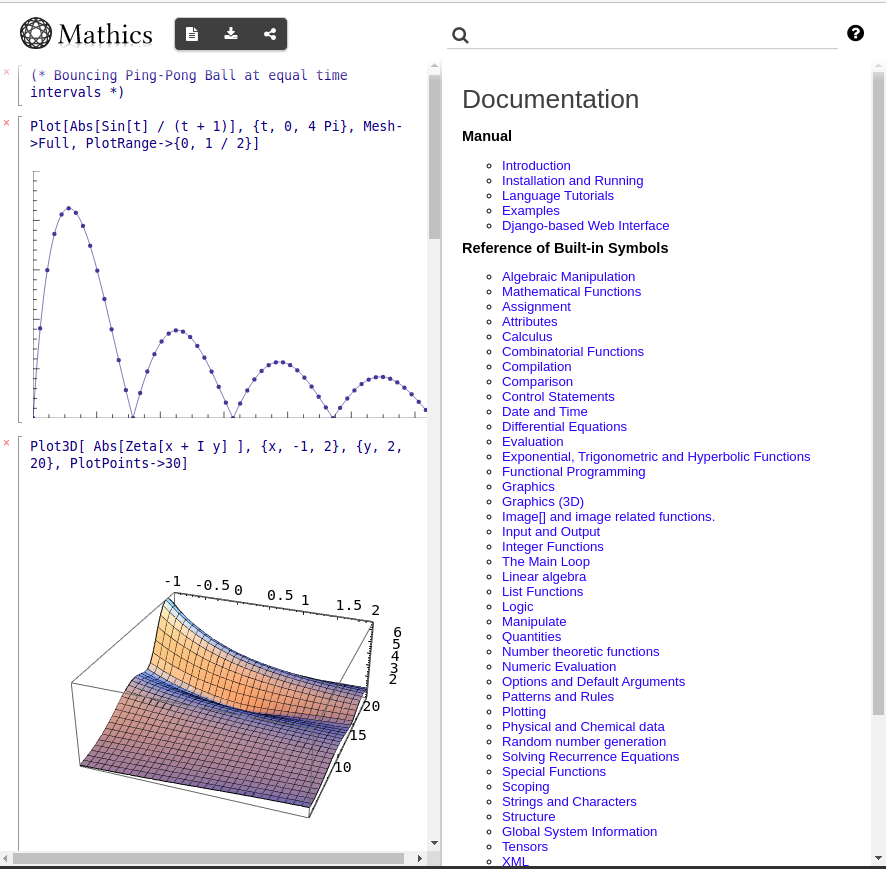
- Integrated graphics, via three.js, and MathML mathematics output
- Notebook-like sessions
See also Mathics3-live for a Webassembly-powered Python core backed by Pyodide, and this for other notebook front-ends.
This package needs a working Mathics3 core engine, installed as well as a recent version of Django. For Django, you will need mysql or mariadb installed, since that is where worksheets are stored.
See the Installing Mathics3 for instructions on installing Mathics3.
If you are a novice at installing Python packages, consider using either a pre-built OS package if available under "Packaging status" above, or the Mathics3 docker image.
On Ubuntu or Debian:
apt install default-libmysqlclient-dev.
Once Mathics3 is installed, run:
pip install Mathics3-Django
From the place root directory where GitHub was checked out:
make install
This is a Django project, so Django's manage.py script is used.
To start the webserver:
Mathics3Server
This runs the server in development mode. Here, when changes to the source code are made, the running server detects them and reloads the modified source.
To run Mathics3 Django in production mode and you have the Django ASGI server Daphne installed, run:
Mathics3Server --production
To get a list of the available Django commands, type:
Mathics3Server help
To get help on a specific Django command, give that command at the end. For example, two useful commands are the runserver and testserver commands:
python mathics_django/manage.py help runserver
To get a list of the available options for the Mathics3 Webserver, type:
Mathics3Server --help
Once the server is started, you will see a URL listed that might look like this:
...
Starting development server at http://localhost:8000/
Quit the server with CONTROL-C.
Point your browser to the URL listed above. Here it is http://localhost:8000
There are two special environment variables of note that control where the Mathics3 database is located. This database saves authentication and worksheet information.
By default, the database used is DATADIR + mathics.sqlite where
DATADIR is under AppData/Python/Mathics3/ for MS-Windows and
~/.local/var/Mathics3/ for all others. If you want to specify your own database file, set the environment variable MATHICS3_DJANGO_DB_PATH.
If you just want to set the mathics3.sqlite portion, you can use the environment variable MATHICS3_DJANGO_DB.
Information for the online documentation comes from one of two places, DOC_USER_HTML_DATA_PATH if that exists and DOC_SYSTEM_HTML_DATA_PATH as a fallback if that doesn't exist. The
latter is created when the package is built. The former allows the user or developer to update this information. In the future, it will take into account plugins that have been added.
We encourage you to contribute to Mathics3! Create your own fork, make the desired changes, commit, and make a pull request.
Mathics3-django is released under the GNU General Public License Version 3 (GPL3).