


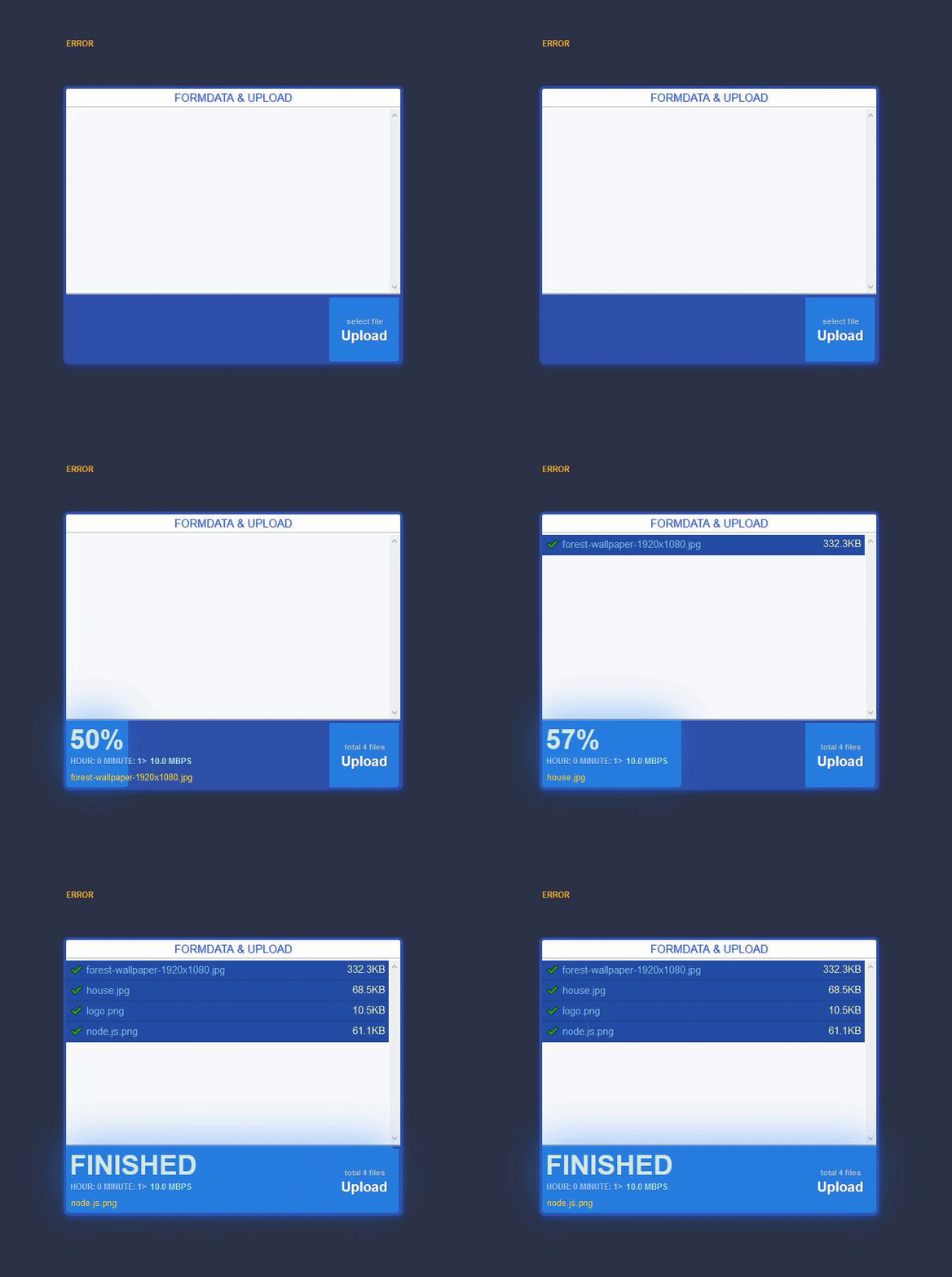

- getting form input element and data attributes
- multiple upload
- setting up network speed
(for only clients) - realtime stats
- overwrite mode
- restricted file mime-types
- reject option for server side
Install - npm i largedata --save
Madalina Taina @MadyTzn
Example Project or @github/largedata/sample_upload_project/
Node.Js - server.js
const ld = require('largedata').default;const option = {
encoding:'binary', // type [string] : file encoder
storage:"./", // type [string] : your upload folder location
overwrite: true, // type [boolean] : file overwrite option
mime_types : [] // type [Array] : accepts only selected files (empty: accepts all)
} // Express.js
app.use('/upload',ld.router,function (req, res, next) {
/* sample reject option
ld.reject("Permission denied !")
*/
res.render("pages/index",{ title:"render your upload html" });
}) ld.formdata(option,function (fields,files,client){
if(files){ // Input files (It's only return the successful uploads)
console.log(files);
}
if(fields){ // HTML input elements & attributes
for (const items of fields) {
console.log( items );
client.post({
hello: "Good Morning",
language_test: "testing some different languages :> Günaydın, доброе утро,
शुभ प्रभात ,добрий ранок, おはようございます, 早上好, buổi sáng tốt lành"
}); // send data-object from server to client (status:0005)
}
}
})formdata (files) paramater :
 {
  done: true,
  storage: './',
  name: 'test_10.iso',
  size: '10.00MB'
 }
formdata (fields) paramater :
{
  attribute: [
   { type: 'text' },
   { style: 'width: 100px;' },
   { name: 'test_input' },
   { large: 'your data attr' },
   { test: 'some numbers 123456' },
   { custom: 'your custom type' },
  ],
 id: 'test_input',
 value: 'hello'
}<! DOCTYPE html >
<html>
<script src="https://ajax.googleapis.com/ajax/libs/jquery/3.5.1/jquery.min.js"></script>
<center>
<form id="my_upload">
<input type='range' id="your_range" /><br>
<input type='text' style="width: 100px;" name="test_input" custom="your custom type" data-large="your data attr" data-test="some numbers 123456" /><br><br>
<input type='file' multiple />
<input type="button" id="send" value="Submit"/>
<br><br>
<div id='output_div' />
</form>
</center>
</html>
<script>
jQuery('#send').click(function(){
// OUTPUT_DIV
var info_output = document.getElementById("info_div");
//OPTIONS
const Options = {
form_id : "my_upload", // Form id
speed : "8000", // Network speed type(Kbps) -> 1000Kbps = 1Mbps
post_url : "/upload", // Post data url
}
SendForm = new LargeData(Options);
//UPLOAD INPUT FILES
SendForm.upload(function( upload_stats , network_stats , err ) {
//OUTPUT_DIV
info_output.innerHTML = JSON.stringify(upload_stats) + "<br>" +
JSON.stringify(network_stats)+"<br>" + JSON.stringify(err)
})
// SEND INPUT FIELDS
SendForm.fields(function(form,err) {
//OUTPUT_DIV
info_output.innerHTML = JSON.stringify(form) + "<br>" + JSON.stringify(err)
})
});
</script>
<script src="largedata.min.js"></script>Upload done (output)
{
  "code":"0003",
  "msg":"FINISHED",
    "list":[
        {"name":"test_text_100.txt","size":"100.0MB","mime":"text/plain"},
        {"name":"test_iso_1.iso","size":"1.0GB","mime":""},
        {"name":"test_video_5.mp4","size":"5.0GB","mime":"video/mp4"},
    ]
}
Your custom data from server to client (output)
{ "code":"0005","msg":"SUCCESS","response":{
	"hello":"Good Morning",
	"language_test":"testing some different languages :> Günaydın, доброе утро,
		शुभ प्रभात ,добрий ранок, おはようございます, 早上好, buổi sáng tốt lành"}
}
Upload current process(output)
{
   "code":"0004",
   "msg":"UPLOADING",
   "name":"test_video_5.mp4",
   "percent":"20"
}
Network (output)
{
  "network": {
      "speed":"1.0",
	  "prefix":"Mbps",
	  "type":"ADSL,LAN,3G,4G"
   },
 "time": {
    "hour":"1",
    "minute":"20"
 }
}
network speed a valid only on the upload proccess. This option is unusable from for the sending form elements.
overwrite (default: true) type: "boolean"
if your set the "false", upload attempt is rejected.
mime_types (default:empty) type: "array"
accepts only your own mime-type list for upload.
   //EXAMPLE LIST
     mime_types : [
     	"application/javascript", "application/json", "application/zip",
     	"audio/mpeg", "image/gif", "image/jpeg","image/png", "text/css",
	"text/html", "text/php","text/plain" , "your mime type here" , "etc.."
     ]
.reject("your message")
now you can allowed or rejected client formdata to on the server side.
//reject function example usage in express application
app.use('/upload' , largedata.router, function (req, res, next) {
   largedata.reject("Permission denied !")  // client rejected ...
     res.render("pages/index",{ title:"test" });
})
Note: if you had the js file path issue on the browser side then you can try changing to full path like
http://<your_host>/<api_url>/largedata.min.jsor semi url<api_url>/largedata.min.js
Build: Node.js,Ts,Js,WebApi