



What is Serious Sam Alpha Remake?
This is a modification for Serious Sam Classic The First Encounter.
This mod required https://github.com/tx00100xt/SeriousSamClassic or https://github.com/tx00100xt/SeriousSamClassic-VK to run.
Serious Sam Alpha Remake was created by fans of the game Serious Sam TFE and is distributed for free.
Description: (From the author of mod)
This is remake based on all code leftovers and original assets from alpha build. They are fixed and ported to game.
Author:
Zdzichu is author this mod for Windows, which is available here.
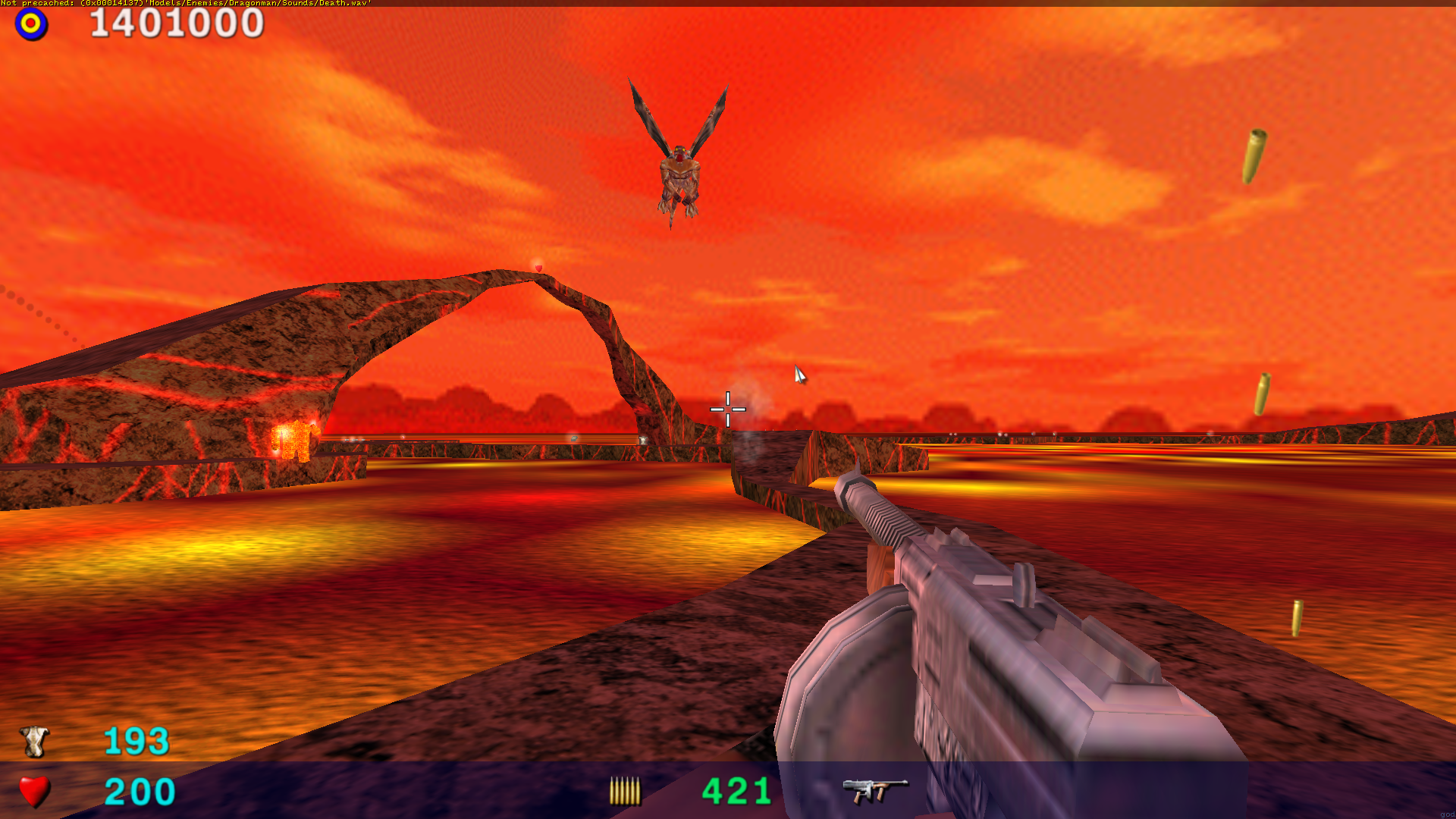
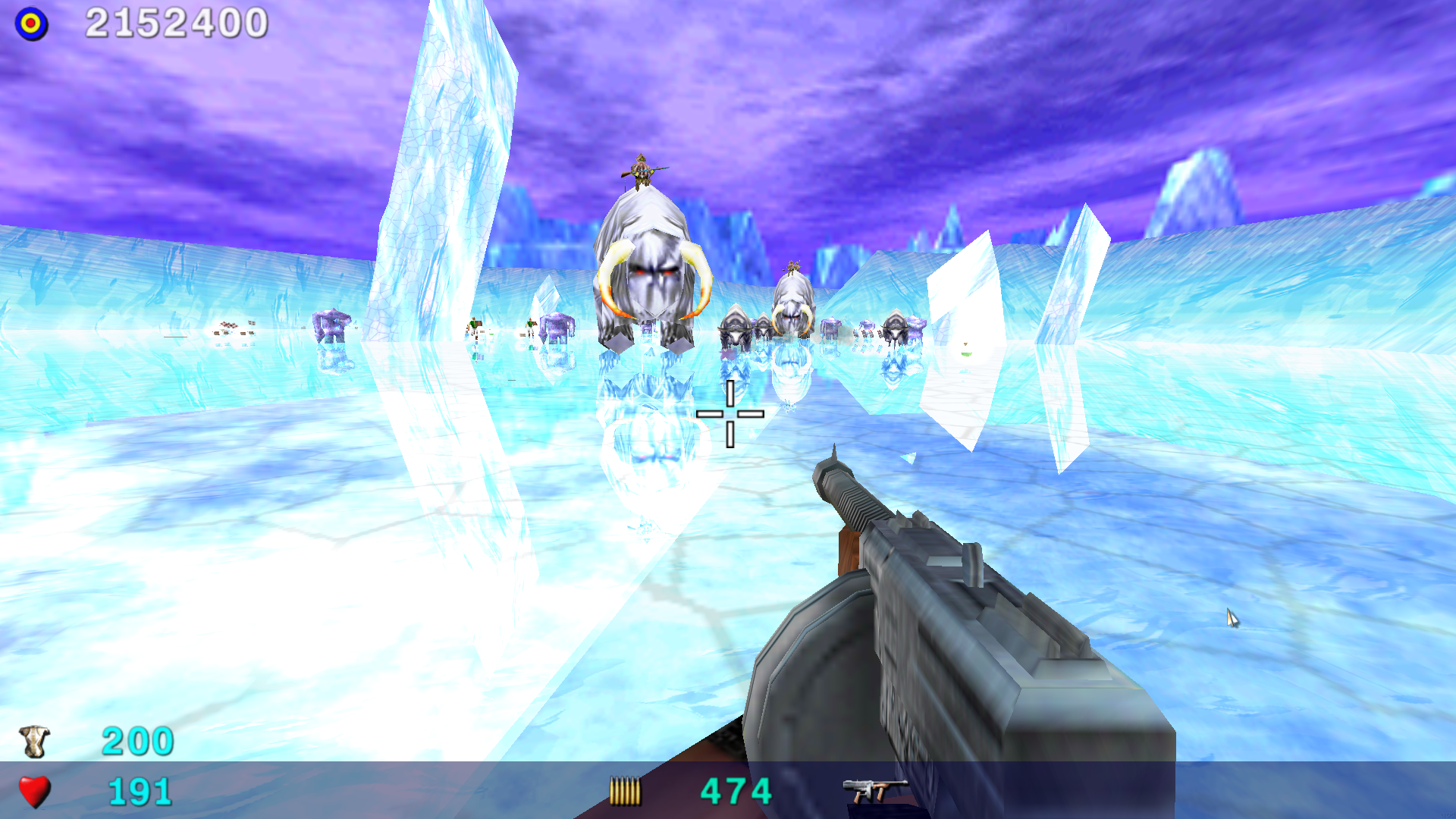
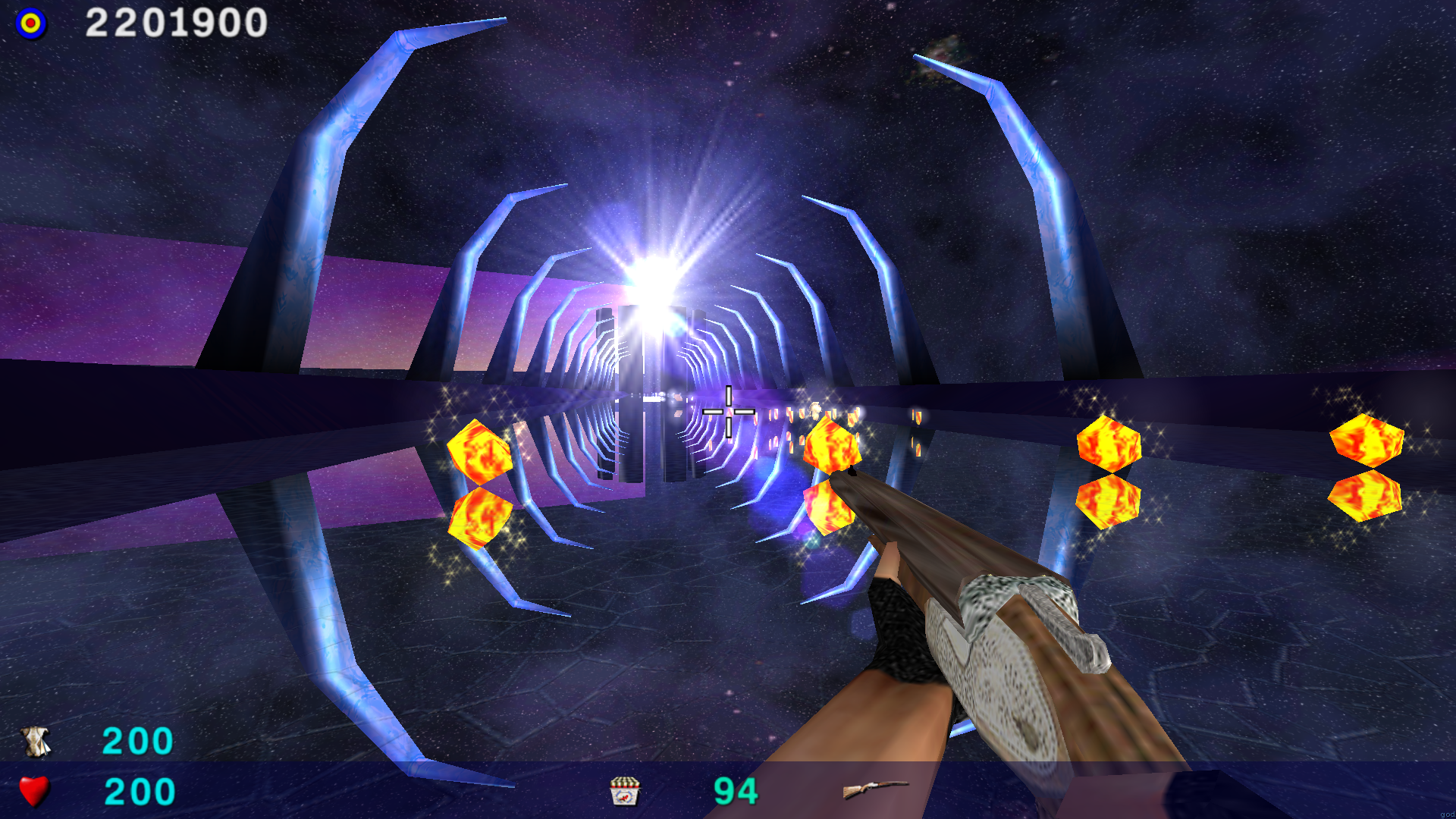
Download SeriousSamAlphaRemake_v1.5.7z archive and unpack to SeriousSamClassic/SamTFE/ directory. You can also download the archive using curl or wget:
wget https://archive.org/download/serious-sam-alpha-remake-data/SeriousSamAlphaRemake_v1.5.tar.xz
To start the modification, use the game menu - item Modification.
Type this in your terminal:
git clone https://github.com/tx00100xt/SeriousSamAlphaRemake.git SeriousSamAlphaRemake
cd SeriousSamAlphaRemake/Sources
./build-linux64.sh					# use build-linux32.sh for 32-bits
After that , libraries will be collected in the Mods directory . Copy them to SeriousSamClassic/SamTFE/Mods/SSA/Bin folder.
Instead of building you can install packages from ppa by adding ppa:tx00100xt/serioussam to your system's Software Sources.
sudo add-apt-repository ppa:tx00100xt/serioussam
sudo apt update
This PPA can be added to your system manually by copying the lines below and adding them to your system's software sources.
deb https://ppa.launchpadcontent.net/tx00100xt/serioussam/ubuntu YOUR_UBUNTU_VERSION_HERE main
deb-src https://ppa.launchpadcontent.net/tx00100xt/serioussam/ubuntu YOUR_UBUNTU_VERSION_HERE main
After adding ppa, run the commands:
sudo apt install serioussamclassic serioussam-alphaor
sudo apt install serioussamclassic-vk serioussam-alphaTo build a game for gentoo, use a https://github.com/tx00100xt/serioussam-overlay containing ready-made ebuilds for building the game and add-ons.
To build a game under Arch Linux you can use the package from AUR: https://aur.archlinux.org/packages/serioussam
The build for raspberry pi is similar to the build for Linux, you just need to add an additional build key.
cd SeriousSamAlphaRemake/Sources
./build-linux64.sh -DRPI4=TRUE		# use build-linux32.sh for 32-bits
To build a binary package for installation on the system use the template:
https://github.com/tx00100xt/SeriousSamAlphaRemake/tree/main/templates
After installation unpack the add-on archive into the directory:
~/.local/share/Serious-Engine/serioussam/
Install dependes
brew install bison flex sdl2 libogg libvorbis zlib-ng cmake git
Type this in your terminal:
git clone https://github.com/tx00100xt/SeriousSamAlphaRemake.git
cd SeriousSamAlphaRemake/Sources
mkdir build
cd build
cmake -DCMAKE_BUILD_TYPE=Release -DTFE=TRUE ..
make ecc
make -j4
make install
After that , libraries will be collected in the Mods directory . Copy them to SeriousSamClassic/SamTFE/Mods/SSA/Bin folder.
- This project can be compiled starting from Windows 7 and higher.
- Download and Install Visual Studio 2015 Community Edition or higher.
- Download and Install Windows 10 SDK 10.0.14393.795 or other.
- Open the solution in the Sources folder, select Release x64 or Release Win32 and compile it.
x86aarch64e2k(elbrus)
LinuxFreeBSDOpenBSDNetBSDWindowsRaspberry PI OSmacOS
| CI | Platform | Compiler | Configurations | Platforms | Status |
|---|---|---|---|---|---|
| GitHub Actions | Windows, Ubuntu, FreeBSD, Alpine, Raspberry PI OS Lite, macOS | MSVC, GCC, Clang | Release | x86, x64, armv7l, aarch64, riscv64, ppc64le, s390x | |
You can download a the automatically build based on the latest commit.
To do this, go to the Actions tab, select the top workflows, and then Artifacts.
- Serious Engine is licensed under the GNU GPL v2 (see LICENSE file).
Some of the code included with the engine sources is not licensed under the GNU GPL v2:
- zlib (located in
Sources/Engine/zlib) by Jean-loup Gailly and Mark Adler

